
Operational Documentation That Actually Gets Used After Launch
Most runbooks fail because they’re scattered, vague, or stale. Here’s a high-signal structure and governance approach that teams will actually follow.

Why most runbooks die within 30 days of launch
Operational documentation usually fails for four predictable reasons: it’s too long to scan under pressure, too vague to execute, outdated the moment reality diverges from the plan, or scattered across tools nobody checks. In the first month after launch—when incidents, access requests, and “how does this work?” questions spike—teams don’t want a narrative. They want fast, trustworthy answers.
From an SRE and incident response perspective, the biggest killer is fragmentation: architecture in a slide deck, credentials in a chat thread, deploy steps in a ticket comment, and “tribal knowledge” in someone’s head. That isn’t knowledge management; it’s a scavenger hunt. When the agency disengages (or a key engineer rolls off), the client-side IT/ops owner inherits risk: slower recovery, insecure credential sharing, and repeated back-and-forth.
The fix isn’t “write more docs.” It’s to design operational documentation like an interface: short paths to common actions, clear ownership, and a structure that makes missing information obvious before the handoff call ever happens.
A high-signal structure: what to include (and what to omit)
If you want runbooks that get used, optimize for execution. Start with a one-page “Ops Quickstart”: system purpose, primary URLs, environments, and the three most common tasks (deploy, rollback, access). Then add a concise architecture section (diagram + key dependencies), followed by environment inventory (domains, regions, data stores, queues, third parties). Every item should answer: “What do I do, where do I do it, and what does success look like?”
Next, document operational workflows: deploy steps with prerequisites, monitoring links and key alerts, backup/restore and data retention, and a lightweight incident response playbook (severity levels, comms channel, escalation contacts). Include API notes only as they affect operations: rate limits, webhooks, auth rotation, and failure modes.
What to omit: long implementation history, exhaustive endpoint catalogs, and screenshots that will drift. Avoid “TBD” sections—if it matters, make it a checklist gate. Good technical documentation is less prose and more verified, testable steps with clear owners.
Keeping docs current across teams, vendors, and toolchains
Even well-structured technical documentation decays unless you treat it as a governed artifact. Assign explicit ownership (who updates what), define freshness expectations (e.g., “deploy steps must match the current pipeline”), and link updates to real events: production changes, vendor transitions, and post-incident reviews. In practice, the best knowledge management systems are workflow-driven: changes to environments, secrets, and support terms trigger documentation updates—not the other way around.
This is where most teams struggle: access and operational guidance live in different places, and audits are an afterthought. A purpose-built handoff workspace can enforce the discipline with template-based sections, checklist gating before “handoff complete,” and vaulted secrets with role-based sharing/revocation plus an audit log. Tools like HandoffVault Workspace are designed for exactly that handoff moment—consolidating delivery artifacts, credentials, and runbooks into one project record that can integrate with Drive, ticketing, and agency workflows via exports and APIs.
The outcome is practical: faster onboarding of new operators or vendors, cleaner incident response, and fewer insecure shortcuts when launch pressure hits.
Why most runbooks die within 30 days of launch
Operational documentation usually fails for four predictable reasons: it’s too long to scan under pressure, too vague to execute, outdated the moment reality diverges from the plan, or scattered across tools nobody checks. In the first month after launch—when incidents, access requests, and “how does this work?” questions spike—teams don’t want a narrative. They want fast, trustworthy answers.
From an SRE and incident response perspective, the biggest killer is fragmentation: architecture in a slide deck, credentials in a chat thread, deploy steps in a ticket comment, and “tribal knowledge” in someone’s head. That isn’t knowledge management; it’s a scavenger hunt. When the agency disengages (or a key engineer rolls off), the client-side IT/ops owner inherits risk: slower recovery, insecure credential sharing, and repeated back-and-forth.
The fix isn’t “write more docs.” It’s to design operational documentation like an interface: short paths to common actions, clear ownership, and a structure that makes missing information obvious before the handoff call ever happens.
A high-signal structure: what to include (and what to omit)
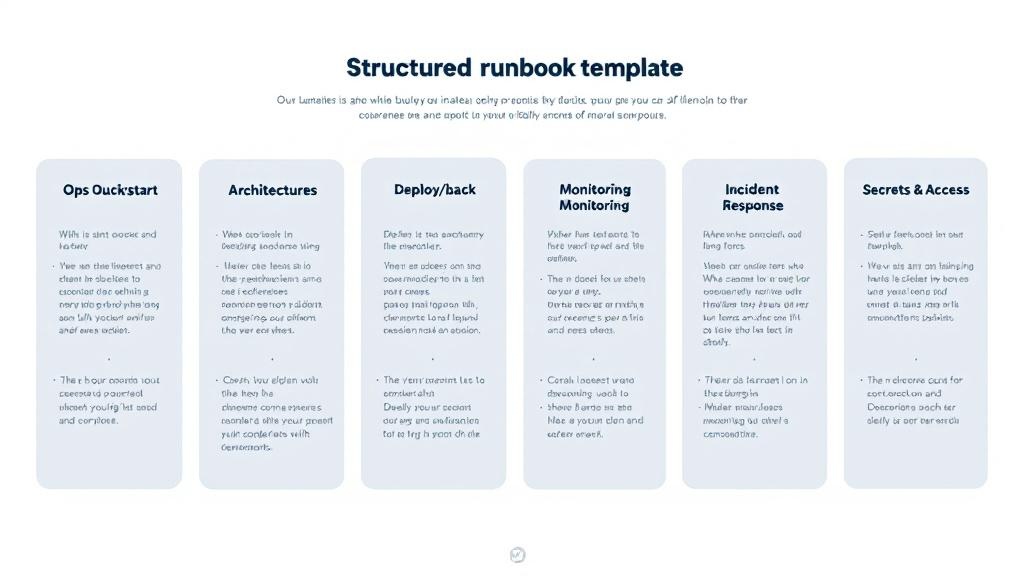
If you want runbooks that get used, optimize for execution. Start with a one-page “Ops Quickstart”: system purpose, primary URLs, environments, and the three most common tasks (deploy, rollback, access). Then add a concise architecture section (diagram + key dependencies), followed by environment inventory (domains, regions, data stores, queues, third parties). Every item should answer: “What do I do, where do I do it, and what does success look like?”
Next, document operational workflows: deploy steps with prerequisites, monitoring links and key alerts, backup/restore and data retention, and a lightweight incident response playbook (severity levels, comms channel, escalation contacts). Include API notes only as they affect operations: rate limits, webhooks, auth rotation, and failure modes.
What to omit: long implementation history, exhaustive endpoint catalogs, and screenshots that will drift. Avoid “TBD” sections—if it matters, make it a checklist gate. Good technical documentation is less prose and more verified, testable steps with clear owners.
Keeping docs current across teams, vendors, and toolchains
Even well-structured technical documentation decays unless you treat it as a governed artifact. Assign explicit ownership (who updates what), define freshness expectations (e.g., “deploy steps must match the current pipeline”), and link updates to real events: production changes, vendor transitions, and post-incident reviews. In practice, the best knowledge management systems are workflow-driven: changes to environments, secrets, and support terms trigger documentation updates—not the other way around.
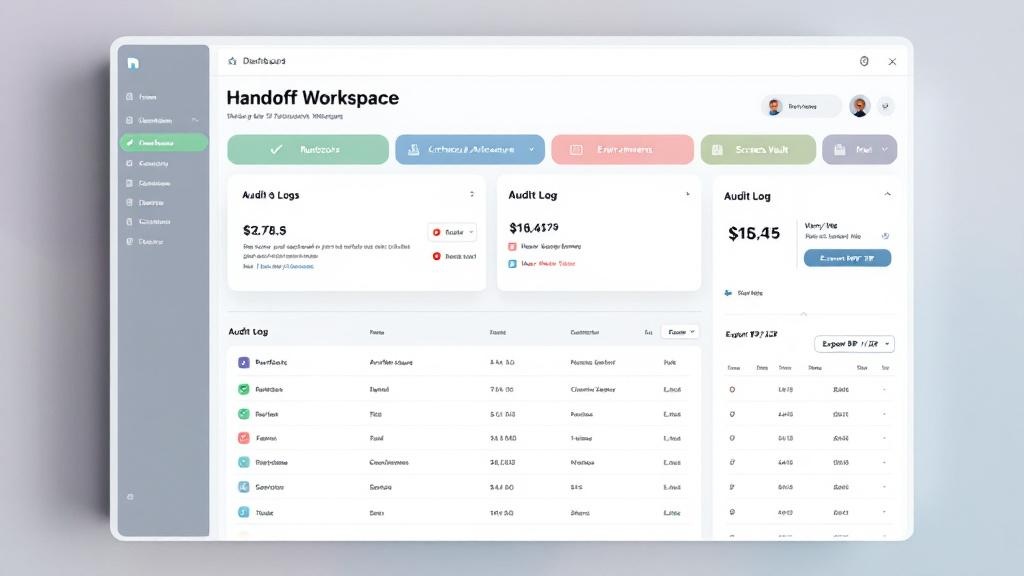
This is where most teams struggle: access and operational guidance live in different places, and audits are an afterthought. A purpose-built handoff workspace can enforce the discipline with template-based sections, checklist gating before “handoff complete,” and vaulted secrets with role-based sharing/revocation plus an audit log. Tools like HandoffVault Workspace are designed for exactly that handoff moment—consolidating delivery artifacts, credentials, and runbooks into one project record that can integrate with Drive, ticketing, and agency workflows via exports and APIs.
The outcome is practical: faster onboarding of new operators or vendors, cleaner incident response, and fewer insecure shortcuts when launch pressure hits.